একটি চ্যানেল বেছে নিন — আমরা যত দ্রুত সম্ভব উত্তর দেব

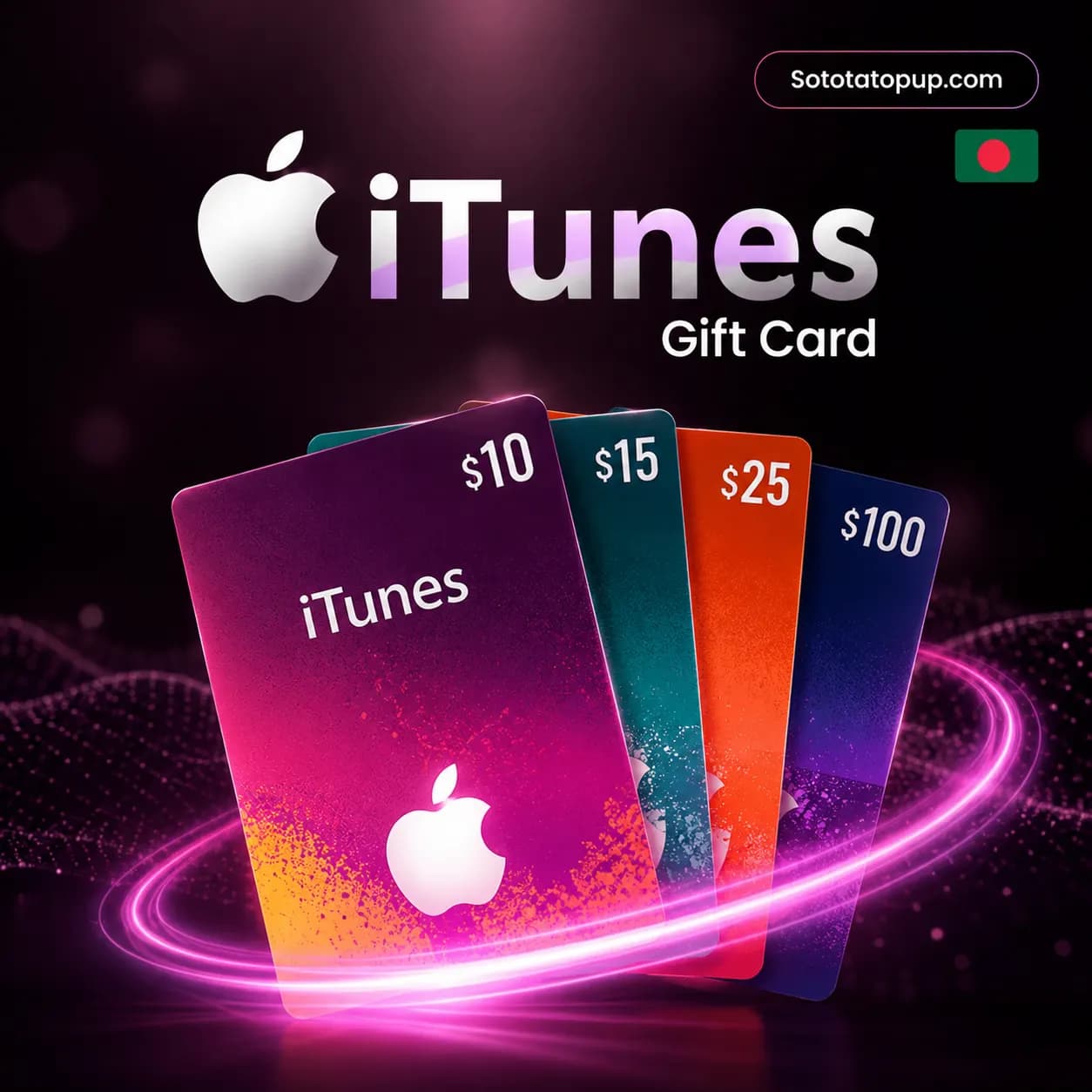
How to Redeem an Apple Gift Card
SototaTopup.com – Easy Redemption Guide
Redeeming your Apple Gift Card is simple! Follow the steps below to redeem your gift card code on your iPhone, iPad, iPod touch, or Mac.
📱 Redeem on iPhone, iPad, or iPod touch
1. Open the App Store on your device.
2. Tap your profile photo or the Sign In button at the top of the screen.
3. Select Redeem Gift Card or Code. If you don't see this option, sign in to your Apple Account first.
4. Tap Use Camera and follow the on-screen instructions to scan your code. Alternatively, select Enter Code Manually and type your gift card code.
5. Tap Done to complete the redemption process.
💻 Redeem on Mac
1. Open the App Store on your Mac.
2. Click your name or the Sign In button in the sidebar.
3. Select Redeem Gift Card.
4. Click Use Camera and follow the on-screen instructions. Alternatively, choose the option to enter your gift card code manually.
5. Click Done to finish redeeming your gift card.
⚠️ Important Information
- Make sure your Apple Account's country or region matches the gift card's region.
- Enter the gift card code carefully to avoid errors.
- Never share your gift card code with unknown people.
- If you encounter any redemption issues, contact Apple Support for assistance.
Thank you for choosing SototaTopup.com!
Your trusted destination for digital gift cards and gaming top-ups.